Professional PDF reports
Turn job photos, notes, and descriptions into polished PDF reports, ready to share with clients.

Turn job photos, annotations and notes into polished PDF reports for your clients, all from your iPhone.
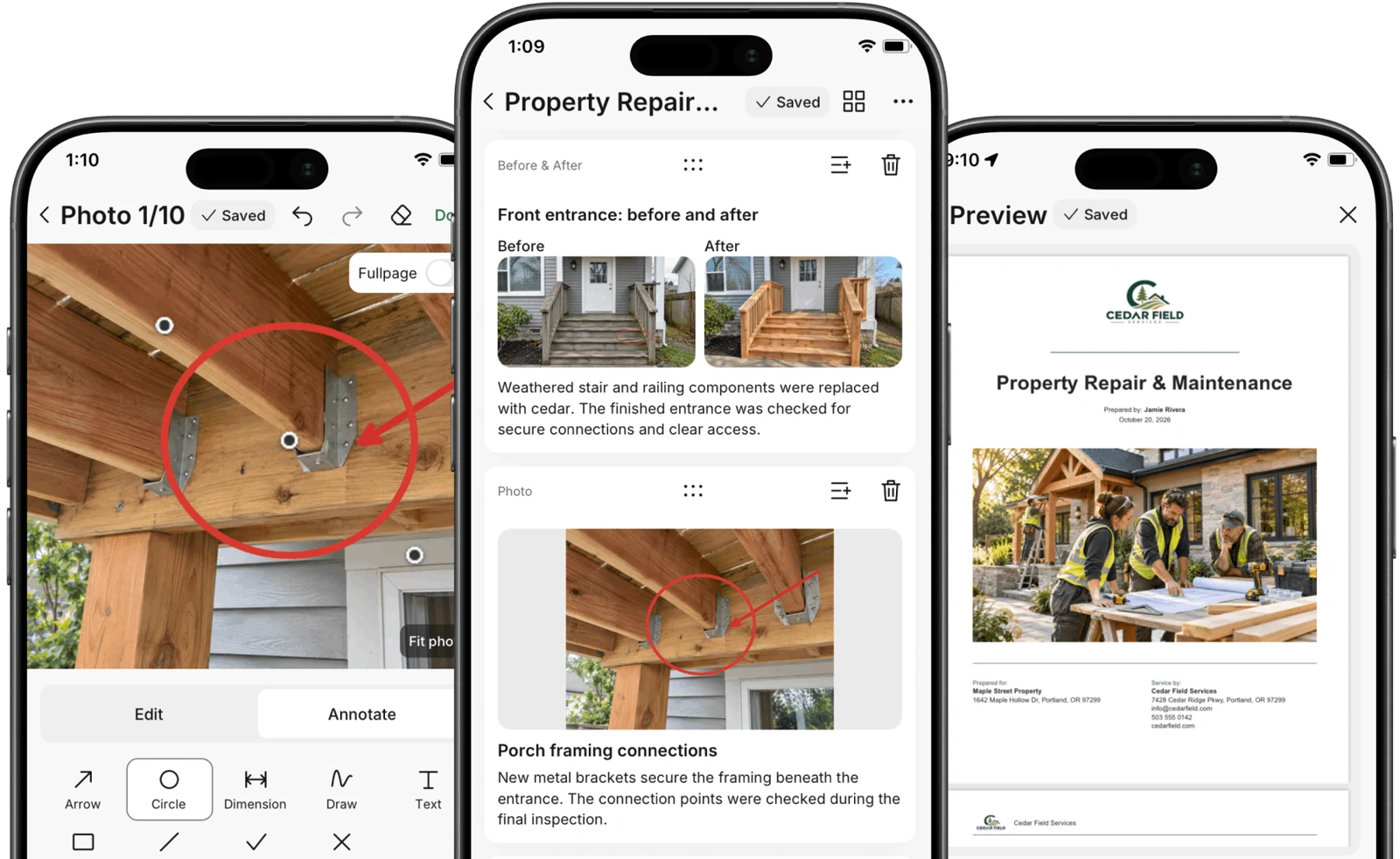
From job site to finished report in three steps.
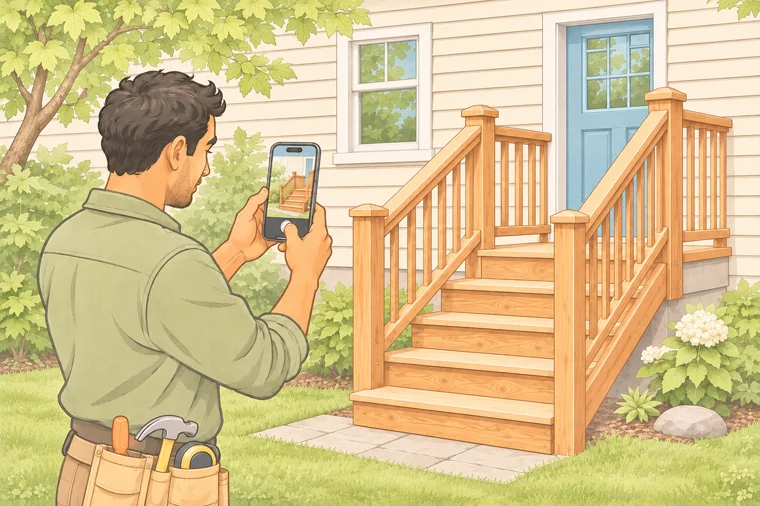
Take job photos in the app or choose them from your iPhone.
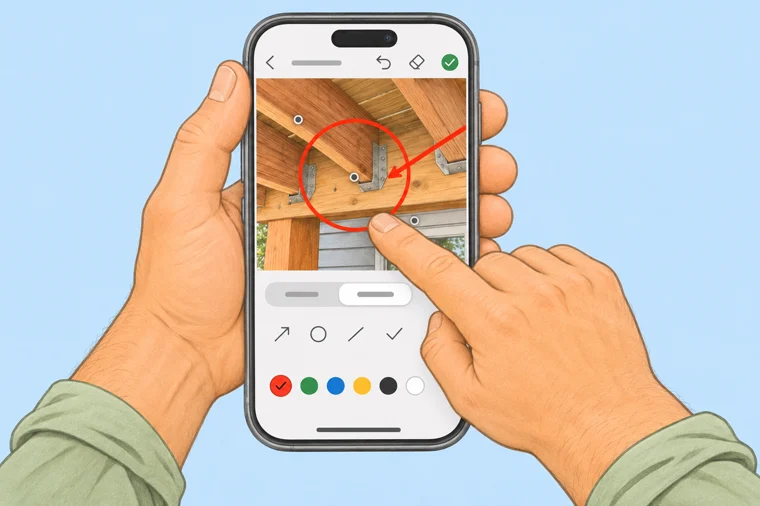
Add descriptions and markup, or show what changed with Pro’s Before & After pairs.

Preview the finished PDF, then export or share it according to your plan.
Show clients what you found, fixed or finished.
Turn job photos, notes, and descriptions into polished PDF reports, ready to share with clients.
Let ReportMade arrange photos on the page automatically, or pick a layout yourself. It runs on your device.
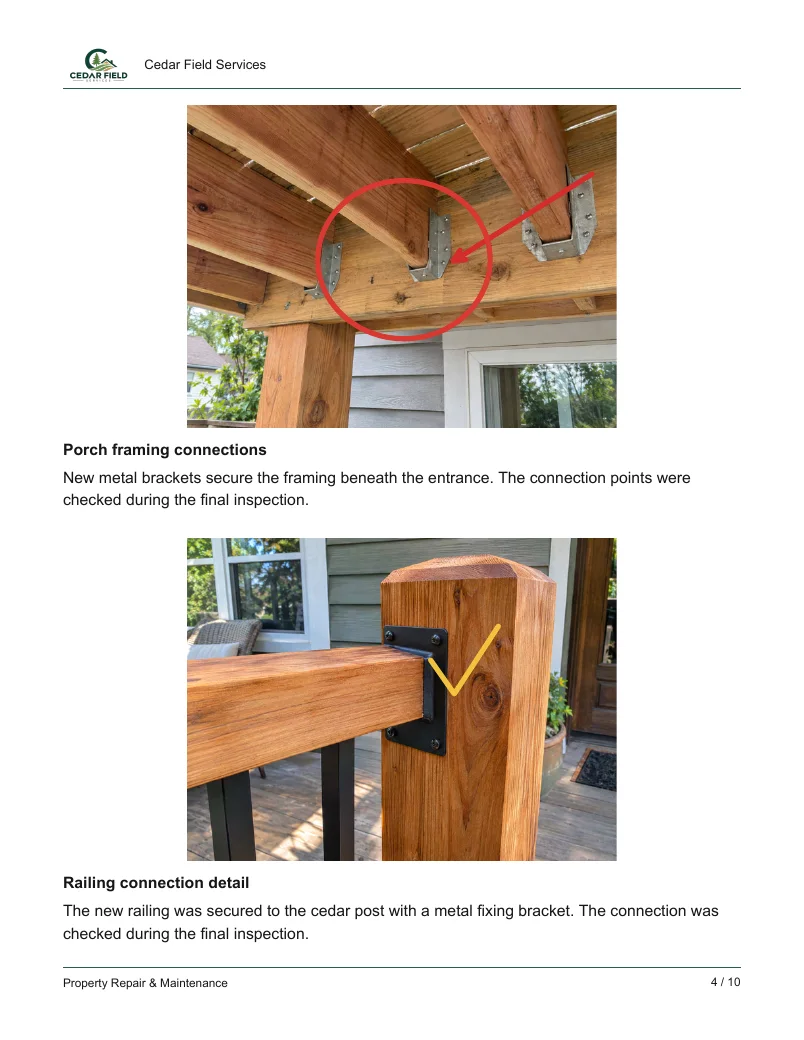
Point out a connection, mark an area, or add text and dimensions directly to a photo.
Add your logo, colors and business details to a branded cover and report pages.
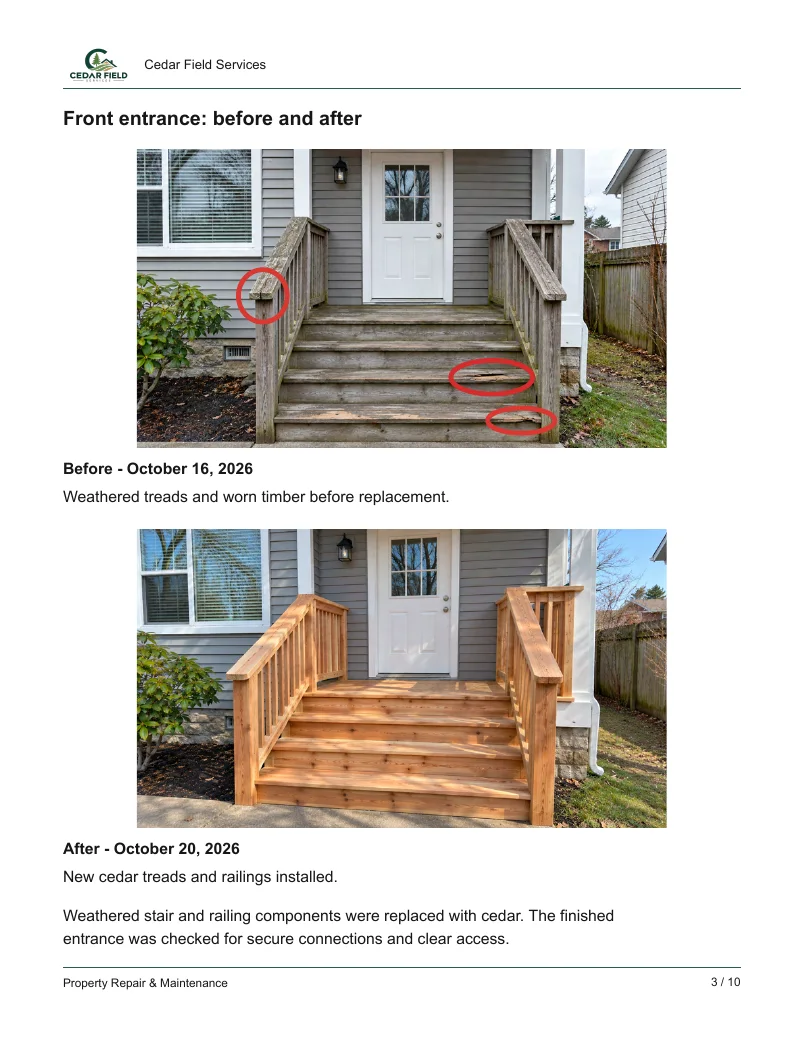
Pair photos to show what changed, with dates and notes for each side.
Save client details, frequently used text and report templates for the next job.
Choose portrait or landscape, Letter or A4. Compress and share client-ready PDFs.
Capture or import photos, add captions and sections, and organize everything your way.
Some features require Pro.
See a finished maintenance report created with ReportMade.


For independent professionals and small service businesses.
Reports and photos live on your device.
Create, edit and preview away from Wi-Fi.
Open the app and start a report.
Every Pro plan includes the same features. Prices in USD.
Free to start
$0
Free
Create, edit & preview reports
Just $1.84/week
$7.99
/ month
Full Pro access · Cancel anytime
Save 58%
$39.99
/ year
7-day free trial for eligible users
Best long-term value
$129.99
one time
All future ReportMade updates included

Create, export, and share without limits.

Add your logo, colors and business details to your reports.

Arrange photos automatically or choose a layout yourself.

Reuse clients, text, and report templates.

Save reports, photos, and reusable information in one file for your next device.
Make photo reports your clients can understand and use.
Coming to the App Store for iPhone